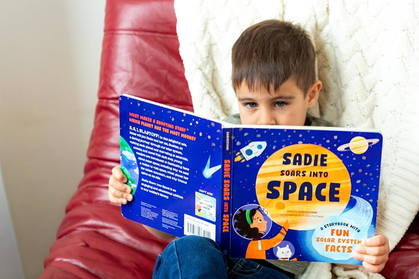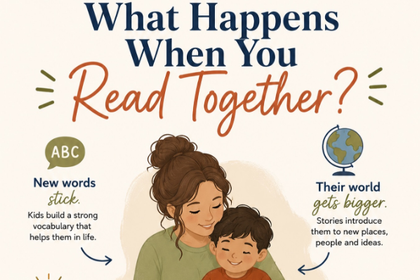


Helping children learn to read doesn’t have to rely only on textbooks or worksheets. There are many free reading tools for kids designed to support early literacy in engaging, interactive, and child-friendly ways. These tools help children practice phonics, build sight word recognition, improve vocabulary, and develop reading confidence — making early reading practice more accessible and enjoyable for families at every income level.
In this guide, we’ll explore the top 10 free reading tools for kids that support early literacy development at home, along with tips for using them effectively.
Why Free Reading Tools for Kids Matter in Early Literacy
Early reading development is built on consistent exposure and practice. Children who have regular access to reading support — whether from a teacher, parent, or digital tool — develop stronger literacy skills faster than those who don’t. Free reading tools for kids help bridge the gap for families who may not have access to tutors, private programs, or large book collections.
Children benefit from these tools because they help them:
- Strengthen phonics and decoding skills
- Build sight word recognition
- Improve reading fluency
- Increase engagement with books and stories
- Develop independent reading habits
When combined with physical books and reading with parents, these tools create a stronger literacy foundation that supports children well into their school years.
👉 Related reading: Understanding Reading Levels for Kids
How Free Reading Tools for Kids Support Early Literacy Development
Reading development is often explained through the “science of reading” — a research-backed framework showing that children learn best when they build skills in phonics, vocabulary, fluency, and comprehension together. Focusing on only one area at a time can slow overall progress and leave gaps in a child’s reading ability.
Free reading tools support this balanced approach in different ways:
- Phonics-based tools focus on decoding skills, helping children connect letters to sounds.
- Story-based tools focus on comprehension and vocabulary through rich, engaging narratives.
- Game-based tools increase engagement and repetition, keeping children motivated to practice.
- Read-aloud tools model fluent reading so children hear what expressive, accurate reading sounds like.
Together, this combination supports well-rounded literacy development across all the core skills children need to become confident readers.
👉 Related reading: Phonics and Early Reading at Home
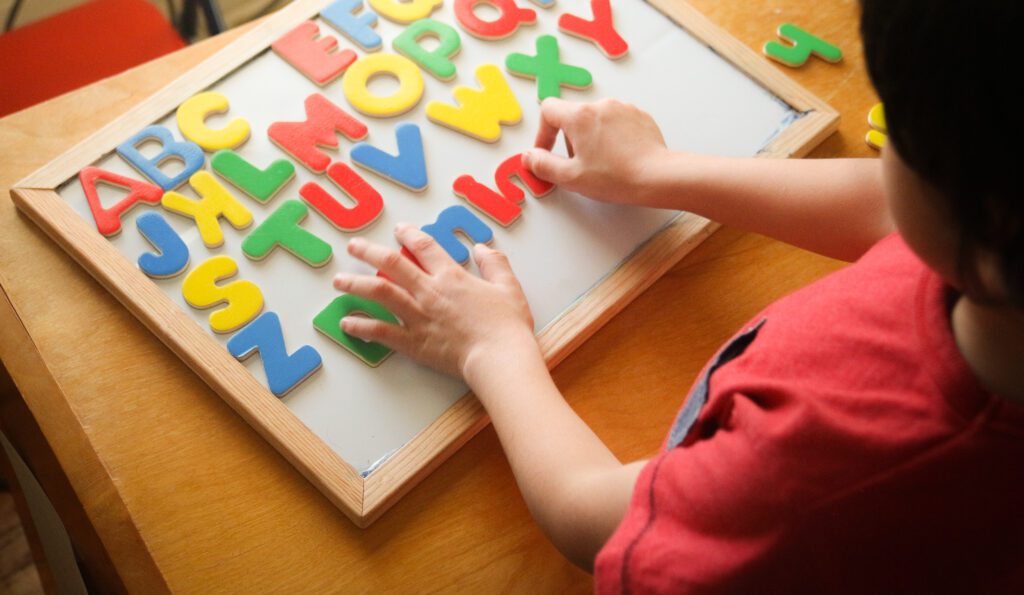
Top 10 Free Reading Tools for Kids
1. Epic! Digital Library
Epic! is a digital reading platform that provides access to thousands of children’s books across many genres and reading levels. With titles ranging from picture books to chapter books, Epic gives children the freedom to explore topics they’re genuinely curious about — from animals and science to adventure and humor.
One of Epic’s biggest strengths is how naturally it builds independent reading habits. When children choose their own books based on interest, they stay engaged longer and read more often. The platform also includes audiobooks and read-to-me options, which support early listeners who aren’t yet reading independently. Teachers and parents can also track reading progress and set up personalized reading lists.
Best for: Ages 4–12
Focus: Reading exposure, comprehension, vocabulary
2. Starfall Learn to Read
Starfall is a structured phonics-based program designed to help children learn letter sounds and blending from the ground up. It follows a clear progression — starting with individual letter recognition, moving to short vowel words, and building toward simple sentences and stories. Each step is reinforced with audio, animation, and interactive activities.
What makes Starfall particularly effective for beginning readers is its emphasis on repetition. Children encounter the same sounds and words multiple times across different activities, which strengthens decoding accuracy over time. It’s a reliable, no-frills resource that works especially well for children who are just starting to connect letters to sounds.
Best for: Preschool to early elementary
Focus: Phonics and decoding
3. Khan Academy Kids
Khan Academy Kids combines reading, phonics, vocabulary, and comprehension into one structured learning system designed for young children. The app features a cast of friendly animal characters who guide children through lessons in a warm, story-driven environment that feels more like play than formal instruction.
One of its standout features is its adaptive learning system, which adjusts difficulty based on how a child is performing. This means the app supports both beginners who are just learning the alphabet and developing readers who are working on comprehension and fluency. It’s one of the most comprehensive free literacy tools available for the early childhood age group.
Best for: Ages 3–8
Focus: Full early literacy development
4. Duolingo ABC
Duolingo ABC brings the same bite-sized, habit-building approach that made the Duolingo language app popular — but applies it to early reading. Lessons are short and interactive, focusing on phonics, letter recognition, and early word reading. Each session takes just a few minutes, making it easy to fit into a daily routine without overwhelming young learners.
The app is completely free with no ads, which makes it a standout option for parents looking for a clean, distraction-free experience. Its consistent daily repetition model is particularly helpful for building the kind of automaticity that strong early readers develop — where letter-sound connections become fast and effortless.
Best for: Ages 3–7
Focus: Phonics and early fluency
5. Teach Your Monster to Read
Teach Your Monster to Read is a game-based reading tool developed with support from education researchers. Children create and customize their own monster character, then guide it through a series of phonics adventures. The gameplay is designed around the same phonics progression used in many UK and US school reading programs, so it closely complements what children are learning in the classroom.
Because phonics practice is embedded in gameplay rather than presented as drills, children often practice far more repetitions than they would in a traditional worksheet-style activity — without feeling like they’re drilling. The free browser version covers the core content, making it accessible for all families.
🔗 Visit Teach Your Monster to Read
Best for: Ages 4–7
Focus: Phonics and engagement
6. PBS Kids Reading Games
PBS Kids offers a wide range of literacy games featuring beloved characters from educational shows like Curious George, Sesame Street, Daniel Tiger, and Super Why. Because children already know and trust these characters, they’re more likely to engage willingly — even with activities that involve repetitive practice.
The games cover a variety of early literacy skills including letter recognition, rhyming, vocabulary, and basic phonics. While PBS Kids games aren’t as structured or progressive as some other tools on this list, they’re an excellent supplement for keeping young children engaged with reading in a low-pressure, familiar environment.
🔗 Visit PBS Kids Reading Games
Best for: Preschool and early elementary
Focus: Engagement and early literacy
7. Reading Rockets Resources
Reading Rockets is a nationally recognized literacy resource funded by a grant from the U.S. Department of Education. It provides research-based reading strategies, articles, videos, and classroom resources for parents and educators who want to better understand how children learn to read — and what to do when they struggle.
Unlike the other tools on this list, Reading Rockets is primarily aimed at adults rather than children. It’s an excellent resource for parents who want to understand the science behind literacy instruction, identify early warning signs of reading difficulties, and learn evidence-based techniques to support their child at home. The site also includes a section on reading disabilities and how to get additional help.
Best for: Parents and educators
Focus: Reading instruction support
8. Endless Reader
Endless Reader focuses on building sight word recognition — the ability to instantly recognize common words without having to decode them letter by letter. This skill is critical for reading fluency, because a large portion of the words children encounter in early texts (words like “the,” “was,” “said,” and “they”) don’t follow standard phonics rules.
The app teaches each word using animated characters that act out the word’s meaning, followed by a sentence-building activity that shows the word used in context. This combination of animation, humor, and repetition helps words stick in a child’s memory more effectively than traditional flashcard methods.
🔗 Visit Endless Reader (Originator Kids)
Best for: Early readers
Focus: Sight words and fluency
9. Oxford Owl Free eBook Library
Oxford Owl offers a free library of leveled ebooks published by Oxford University Press, one of the world’s leading educational publishers. The books are organized by reading level, making it easy for parents and teachers to match a child to books that are appropriately challenging — not too easy to be boring, and not so hard they become frustrated.
The library includes both fiction and non-fiction titles, which helps children build vocabulary and comprehension across different text types. It’s particularly useful for guided reading practice at home, where a parent can read alongside their child and offer support as needed. The books are well-illustrated and professionally produced, giving children access to high-quality content at no cost.
🔗 Visit Oxford Owl eBook Library
Best for: Ages 4–11
Focus: Guided reading and comprehension
10. Storyline Online
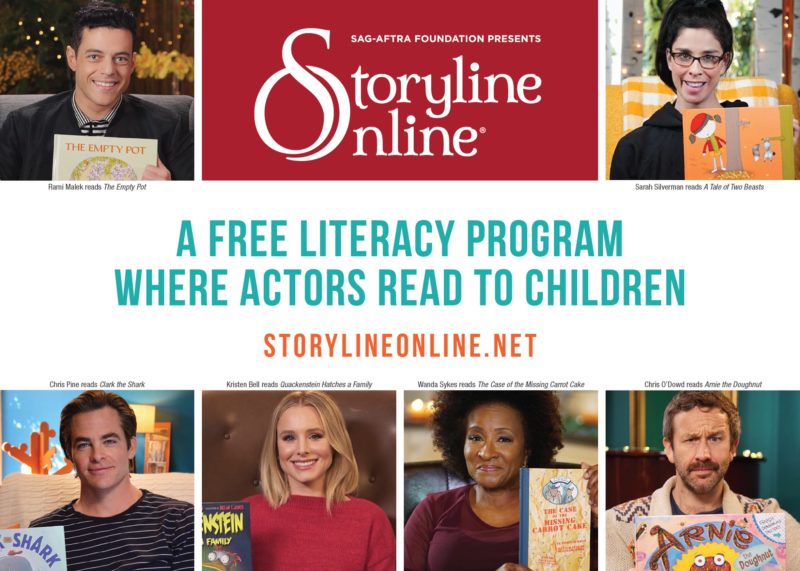
Storyline Online is a free streaming video program where professional actors and celebrities read picture books aloud. Operated by the Screen Actors Guild Foundation, the program features recordings of well-known books read by actors including Viola Davis, James Earl Jones, and Dolly Parton — each reading brought to life with genuine expression and warmth.
Hearing fluent, expressive reading modeled by skilled performers helps children internalize what good reading sounds like — including pacing, intonation, and the way punctuation affects meaning. This builds listening comprehension, vocabulary, and a love of stories. It’s an especially powerful tool for children who aren’t yet reading independently, as it keeps them connected to the joy of books while their decoding skills are still developing.
Best for: Ages 4–10
Focus: Listening comprehension and read-aloud modeling
Top 10 Tools Overview (Quick Comparison)
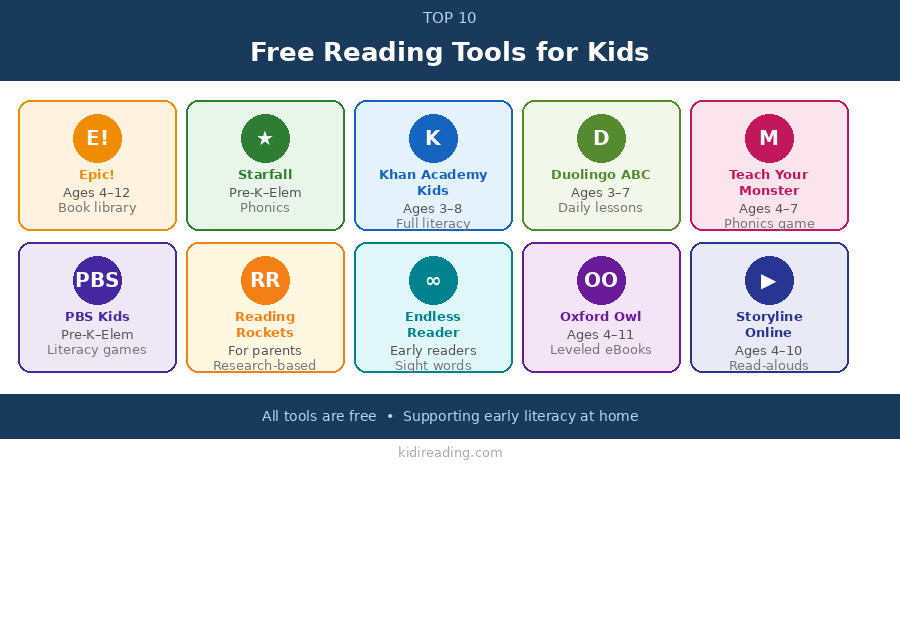
| Tool | Best For | Focus Area | Key Feature |
|---|---|---|---|
| Epic! | Ages 4–12 | Reading exposure, vocabulary | Digital children’s book library |
| Starfall | Preschool–early elementary | Phonics, decoding | Step-by-step phonics lessons |
| Khan Academy Kids | Ages 3–8 | Full literacy development | Adaptive learning system |
| Duolingo ABC | Ages 3–7 | Early reading, phonics | Short, ad-free daily lessons |
| Teach Your Monster to Read | Ages 4–7 | Phonics, engagement | Game-based phonics program |
| PBS Kids Games | Preschool–early elementary | Early literacy skills | Character-based learning games |
| Reading Rockets | Parents/educators | Reading instruction support | Research-based guidance for adults |
| Endless Reader | Early readers | Sight words, fluency | Animated word-learning activities |
| Oxford Owl | Ages 4–11 | Guided reading | Free leveled eBooks |
| Storyline Online | Ages 4–10 | Listening comprehension | Celebrity read-aloud videos |
How to Use Free Reading Tools for Kids Effectively
Free reading tools work best when used consistently alongside real books and hands-on reading time. Here are some practical guidelines to get the most out of them:

- Keep sessions short and focused. Aim for 10–20 minutes per day. Short, regular practice is more effective than long, occasional sessions.
- Combine digital tools with physical reading. Use apps to practice specific skills like phonics or sight words, then reinforce them by reading real books together.
- Match tools to your child’s reading level. A tool that’s too easy won’t challenge growth; one that’s too hard will cause frustration. Use the age ranges above as a starting guide.
- Talk about what they’re reading. Asking simple questions — “What happened in the story?” or “What do you think that word means?” — builds comprehension and vocabulary beyond what the screen alone provides.
- Rotate tools to keep things fresh. Children can lose interest if they use the same app every day. Mixing in different tools helps maintain motivation.
Free Reading Tools for Kids vs Physical Books
Free reading tools should support — not replace — traditional reading. Research consistently shows that children who are read to from physical books, and who have access to a variety of print materials at home, develop stronger literacy skills over time. Digital tools are powerful for targeted practice and filling gaps, but they work best as part of a broader reading routine.
Children learn best when they combine:
- Digital reading tools for skill-building and practice
- Physical books for sustained reading and page-turning experience
- Read-aloud sessions with a parent or caregiver
- Conversations about stories, characters, and meaning
A balanced approach leads to stronger, more flexible readers in the long run.
Final Thoughts
Free reading tools for kids can significantly support early literacy when used thoughtfully and consistently. Whether your child is just learning letter sounds or working on reading fluency, there’s a free tool on this list that can help. The key is to choose tools that match where your child is right now — and to use them as one part of a broader, balanced reading life that includes real books, conversation, and plenty of reading together.

The most important factor is never the tool itself — it’s the consistent, supported practice that happens over time.
FAQ: Free Reading Tools for Kids
What are the best free reading tools for kids?
Some of the best free reading tools for kids include Epic!, Starfall, Khan Academy Kids, Duolingo ABC, Teach Your Monster to Read, and PBS Kids Games. Each tool targets different skills — phonics, sight words, comprehension, or vocabulary — so the best choice depends on your child’s age and current reading level.
Are free reading apps effective for early literacy?
Yes. Free reading apps can be very effective when used consistently. They support phonics practice, sight word recognition, and reading confidence — especially when combined with physical books and active parent involvement. Research supports the use of high-quality digital tools as a supplement to traditional literacy instruction.
What age are free reading tools best for?
Most free reading tools are designed for children ages 3–12. Tools like Duolingo ABC and Khan Academy Kids start as early as age 3 with alphabet and phonics basics, while platforms like Epic! and Oxford Owl extend up to age 12 with chapter books and leveled readers for more advanced learners.
Should free reading tools replace physical books?
No. Free reading tools should support, not replace, physical books. A balanced mix of digital tools, real books, and read-aloud sessions creates the strongest literacy foundation. Physical books offer benefits that screens don’t — including better sustained attention, reduced eye strain, and a more tactile reading experience that many children respond well to.
How often should kids use reading apps?
A good guideline is 10–20 minutes per day. Short, consistent practice sessions are more effective than long, occasional ones. Daily repetition helps children build automaticity with letter sounds, sight words, and decoding — the building blocks of fluent reading.